
Set up the event
Add the name, venue, dates, times, capacity, ticket types and any access notes buyers need before booking.
Maintenance mode
Ticket search, checkout and creator tools are temporarily unavailable while maintenance is carried out.
Booking references and organiser accounts remain valid. Please try again once the maintenance message has cleared.
How it works
Local Tickets is planned as a straightforward ticketing flow for organisers who want to spend less time fighting software and more time selling seats, spaces and experiences.
For creators
Add the name, venue, dates, times, capacity, ticket types and any access notes buyers need before booking.
Map the theatre, hall or venue, place the stage, add multiple floors or balcony areas, assign seat numbers and mark restricted-view seats before tickets go on sale.
Upload event images, add useful links and paste video URLs so trailers, band clips or attraction previews can appear embedded.
Connect the approved payment setup for cards, PayPal, Apple Pay and Google Pay, then decide whether fees are absorbed or shown to buyers.
Send buyers to a mobile-ready event page that is easy to share from websites, social posts, emails and printed publicity.
Use the creator portal to review orders, issue updates, export attendee data and keep a clear view of ticket revenue.
Scan or validate tickets at the door, with a workflow that can grow from a single volunteer to multiple entry points.
Room designer
The event admin area should include a room designer for theatres, halls, attractions and mixed-use spaces. Coordinators can describe where the stage is, how seats are numbered and how the venue is split across floors or balcony levels.
Platform roadmap
Some of these features are already started locally, and others need commercial, compliance or provider decisions before launch. The public site should still make the direction clear: Local Tickets is being built as a full ticket sales platform for local events, venues and timed-capacity experiences.
Ticket types, concessions, early-bird windows, hidden or private tickets, access codes, discounts, waitlists, organiser holds, complimentary allocations, bundles, memberships, season passes, gift vouchers and charity donations are part of the long-term ticketing roadmap.
Room plans should support seat price bands such as Premium, Band A and Band B, plus standing zones, seat-level modifiers, restricted-view discounts, wheelchair spaces, companion seats and easy-access seating within those bands.
Coordinators should be able to map floors, balconies, stages, aisles, entrances, exits, sound desks, pillars, bars, screens, toilets, blocked seats and other landmarks that affect buyer choice or accessibility.
Capacity-only and timed-entry events should work for swimming pools, attractions, club bookings, tours and repeatable daily sessions without forcing organisers to create a seating plan.
Event pages should support organiser-selected templates, hero graphics, secondary graphics, images, useful links, supported video embeds and approved audio or sound files once upload and moderation rules are confirmed.
Organisers should be able to sell event or organisation merchandise with images, supported media, variants such as size or colour, stock tracking, ticket-linked offers, collection, delivery or digital fulfilment.
Homepage search, event discovery, New and Trending, In My Area, category boosts, seasonal campaigns, venue spotlights, paid placement labelling and verified review summaries are planned marketplace capabilities.
Secure hosted checkout, Find Tickets lookup, buyer ticket retrieval, post-event 0-5 star reviews, accessibility notes, age restrictions, content warnings and clear fee display are core buyer-facing trust features.
Creator accounts should cover organisation admin, event amendments, publishing checks, order management, attendee exports, CSV reporting, sales summaries, buyer communications, widgets, affiliate links and team roles.
Organisers should be able to prepare attendee lists, assign check-in helpers, scan tickets at the door and keep separate entry records for venues, auditoriums or timed sessions where needed.
Venues should eventually be able to add premium seat-view media, from per-seat images through to panoramic or future 3D views, with the commercial model confirmed before launch.
The roadmap includes high-demand sale controls, queue or waiting-room behaviour, ticket limits, suspicious order detection, anti-tout controls, sandbox testing, payment reconciliation and secure operational monitoring.
For ticket buyers
Open the event page from a link, search result or organiser website.
Select dates, quantities and ticket types with fees shown before payment.
Use the available checkout method, including cards, PayPal and digital wallets where configured.
Receive ticket details and use the Find Tickets portal if the email is lost or a buyer needs to retrieve an order.
Once the ticket date has passed, eligible ticket holders should be able to leave a public 0-5 star review of the event.
Media-rich listings
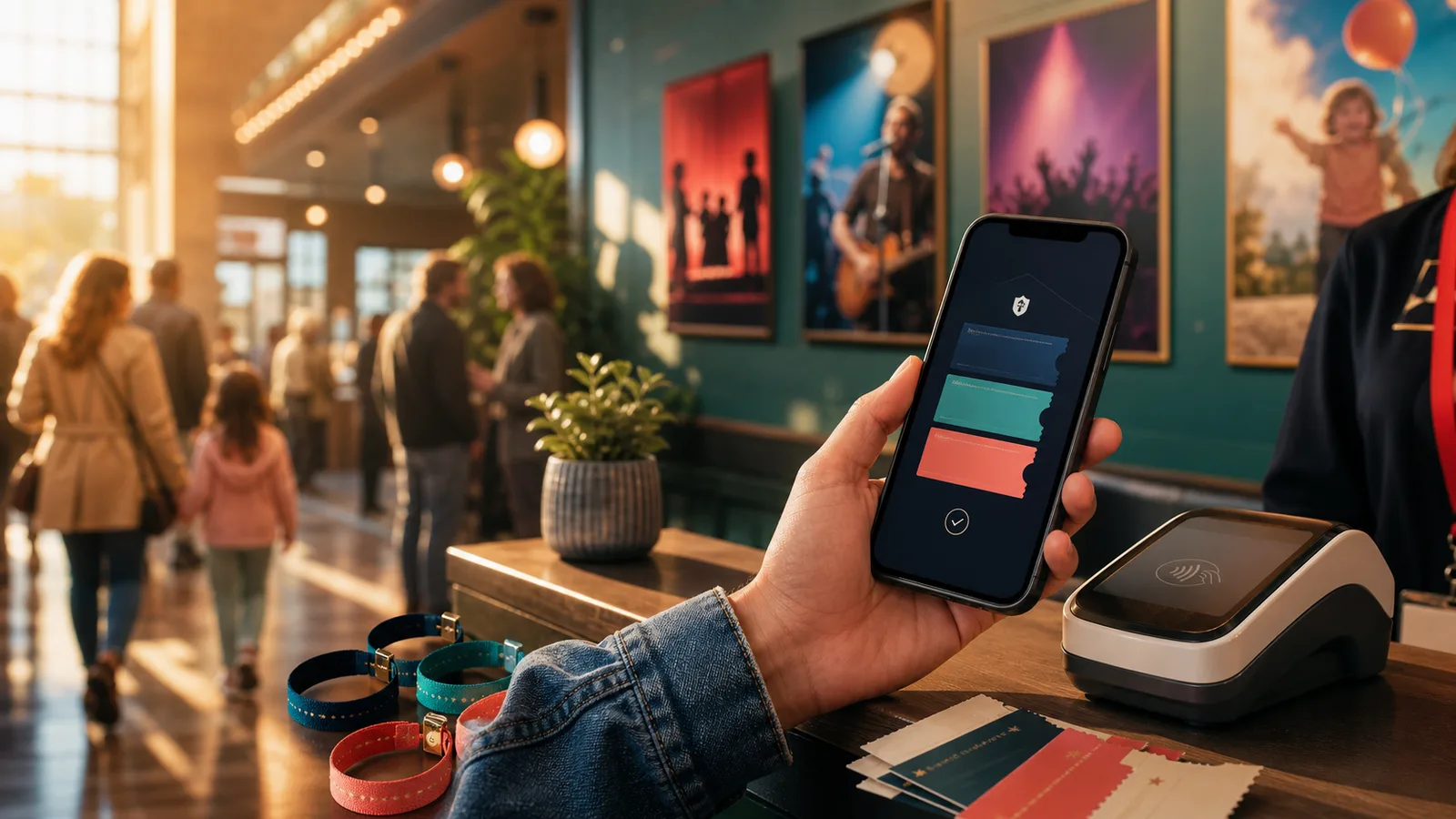
Event creators should be able to add a poster image, venue image, gallery photo or video link without needing to edit code. The event page then turns that content into a polished, mobile-friendly listing.
 Poster image
 Example event page
A polished listing can combine key booking details with media that helps buyers recognise the event and venue before checkout.